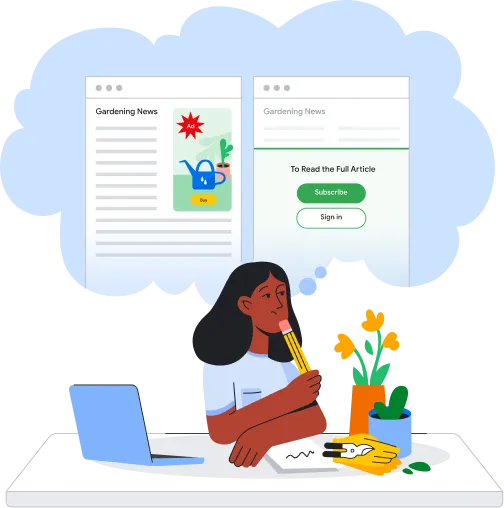
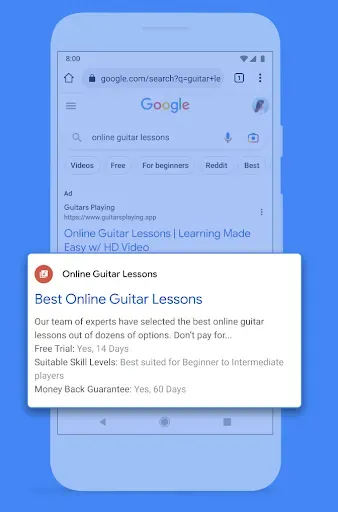
We'll start by explaining how ads on Google Search work. For details on how Google Search works, visit the How Search Works website.
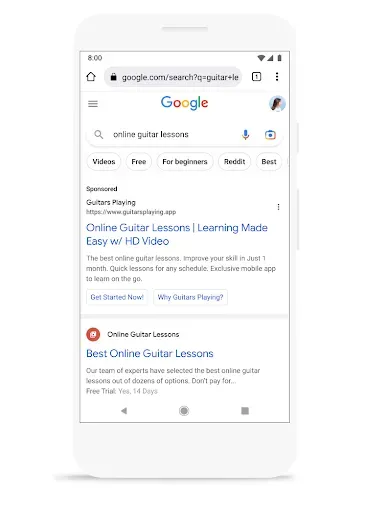
So let's say you’re interested in teaching yourself how to play the guitar – and you come to Google.
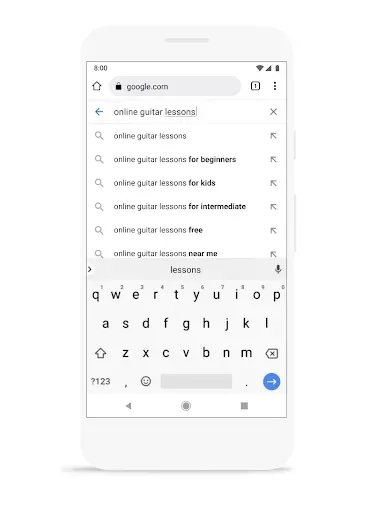
Our goal is to provide you with useful information to help you find exactly what you're looking for.
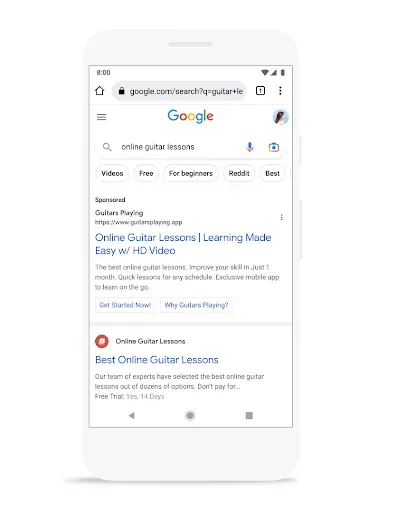
Sometimes that information comes in the form of an ad, which we’ll show along with the search results.
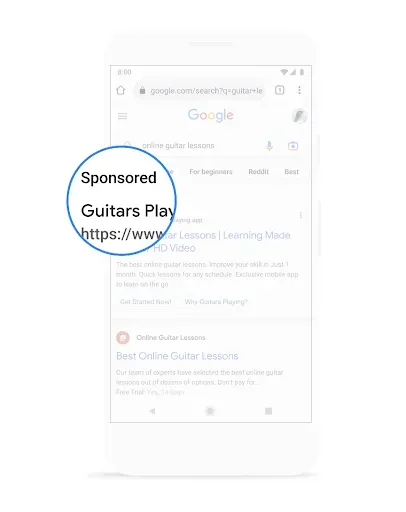
Search ads are always marked with a label like 'ad' or 'sponsored'.
If there are no useful ads, we won't show any ads at all – which is actually the case for the large majority of searches.
If you find an ad useful and click on it to learn more, the advertiser pays Google.
If you see the ad but are not interested in it and don't click, the advertiser is charged nothing and Google makes no money.
Search ads only make money for Google if they are relevant and useful to you, as indicated by your click on the ad.
So, we've just given you a quick look at how search ads work.
Google also makes money by helping other sites make money with advertising.
We use data to show ads that are useful to you, whether they are on Google or they are on websites and mobile apps that partner with us. We do not sell your personal information to anyone.
See our Privacy Principles for more details.
So let's take a look at how advertising on other websites works.
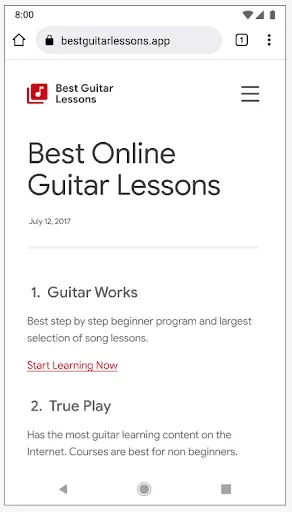
Publishers like this site about guitar lessons show advertising on their sites because ads help pay the bills and help make their content free for you.
The publisher can sell and serve ads themselves. Or they can ask Google or other technology companies to provide the ads.
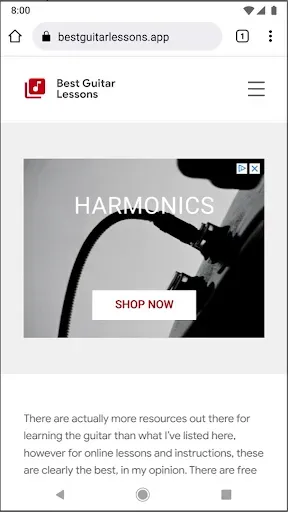
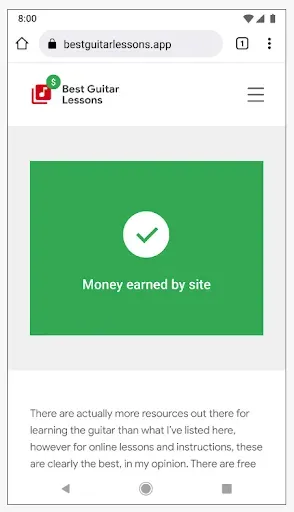
When Google shows ads on someone else's site, we keep a portion of the money from those ads.
The majority of the money goes to the publisher.
Let's go back to our example.
There are lots of ways you could have found the guitar site, including typing the URL directly into your browser, clicking on a Google search result, or clicking a link sent by a friend.
In any case, after visiting their site, you might wonder how and why you're being shown ads for guitar lessons on other websites you visit.
We'll explain that next.
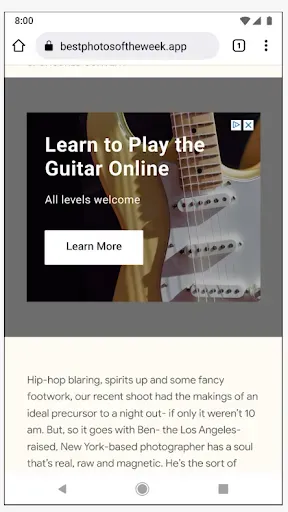
Businesses, like the guitar site, want to advertise to people who are interested in their products and services.
One way they can do this is by showing ads to people who have already visited their site.
For example, when you visited the guitar site, it used an advertising service to save a cookie from your browser to remember you visited the lessons page.
Later, the guitar site can use their advertising partner to show you ads on other sites, encouraging you to come back.
This all works because the guitar site asked their partner to save this signal when you visited the lessons page.
Ads like these can be useful, but if you're no longer interested in guitar lessons, you may not want to see them anymore.
If the guitar site is using Google services to show these ads, you can choose to turn them off in your Ad Settings.
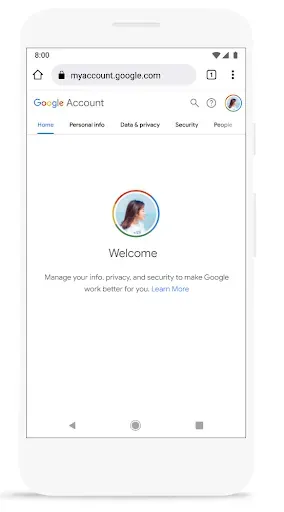
When Google serves ads on its own sites or other websites, we give you additional controls.
Let's take a look.
You can change these settings by going to your Google Account. Learn more here.
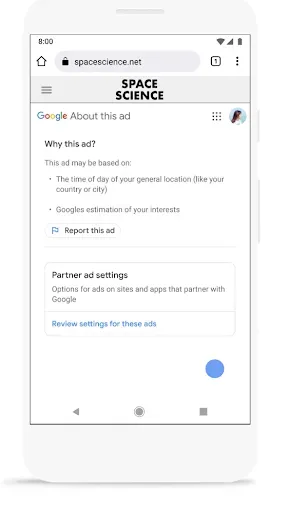
“Why This Ad” is a feature that allows you to learn why you are seeing a given ad.
For example, you might be seeing an ad for shoes because you have been visiting fashion websites.
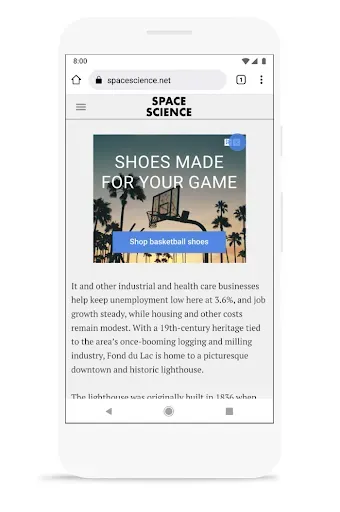
We also give you the ability to “Mute this Ad”. By selecting the X in the corner of the ad, you can remove ads you no longer find relevant.
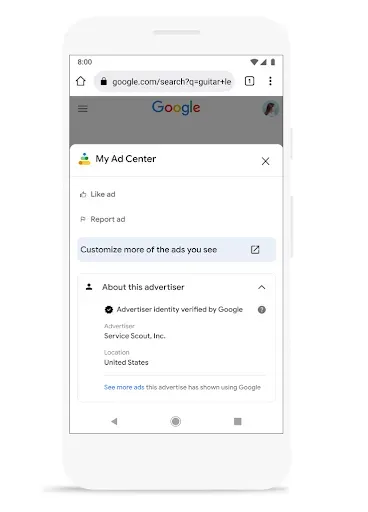
My Ad Center makes it easy to control the information used to show you ads. This includes information associated with your Google Account and what we estimate about your interests based on your activity.
You can also use My Ad Center to customize your ad experience so that you see more of the brands you like, and limit the ones you don’t. You can also permanently delete the activity data tied to your account at any time.
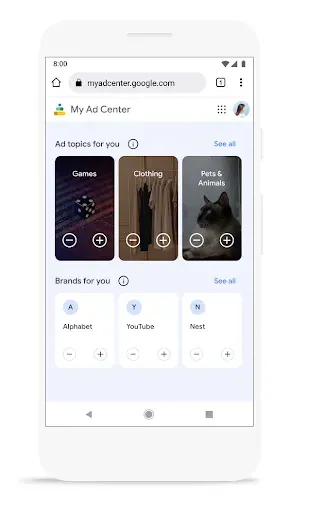
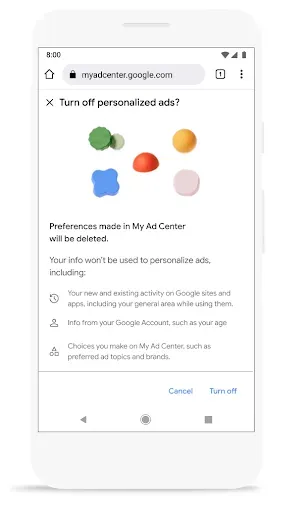
You can also turn off personalized ads altogether. You’ll still see ads, but they’ll most likely be less relevant to your interests. Your settings will apply anywhere you’re signed in with your Google Account.
Learn more here
If you want to learn more about how ads work and how we keep your data private and secure, visit safety.google.