

- Safety Architecture: Core AI systems now integrate mandatory content filtering and blurring to protect minors from explicit material.
- Educational Guardrails: AI tools are engineered to act as cognitive boosters that explain concepts without replacing human connection.
- Empowered Supervision: Integrated controls allow parents to manage screen time and location sharing to foster healthy digital habits.
This summary of the article below was generated using Gemini. It has been verified by site editors for accuracy.
Navigating the digital world is a journey families take together. We believe that online safety for children is a partnership, and we take our responsibility to make the internet work for families at every stage of life.
FAMILY LINK
Transparent, granular controls for families
Google Family Link provides tools that respect families' individual choices with technology, helping children create healthy, positive digital habits. By acting as a control center for screen time limits, privacy settings, and app approvals, Family Link gives parents peace of mind.
Establish digital ground rules by managing your child’s apps
Parents can give their children the flexibility they need when it comes to app usage. Set individual app time limits, approve or deny downloads, or block apps altogether.
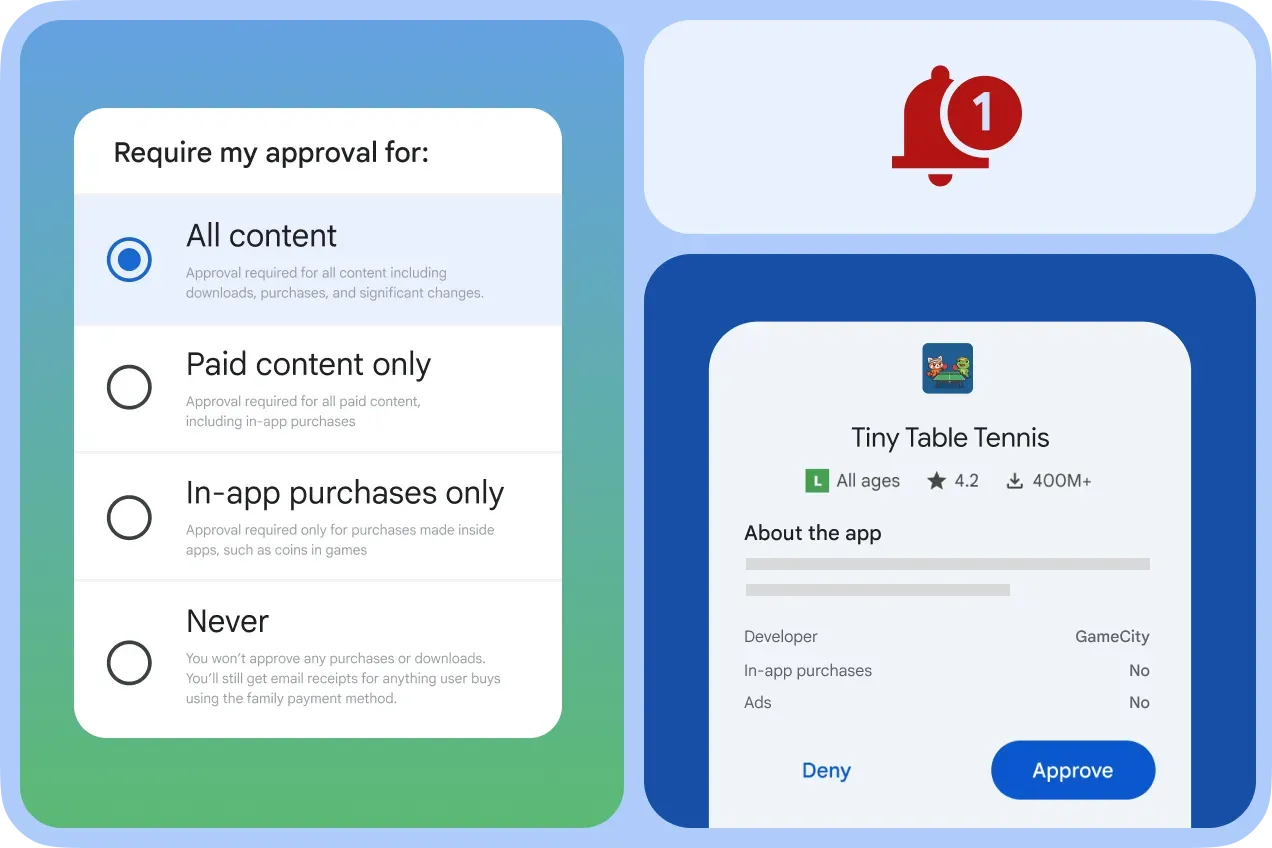
Set individual app times limits and review downloads
Stay connected on the go with location sharing
It’s helpful to be able to find your family when they’re on the go. With Family Link, parents can locate their children on one map, receive critical notifications like when they arrive or leave certain locations, view battery life, and call devices.
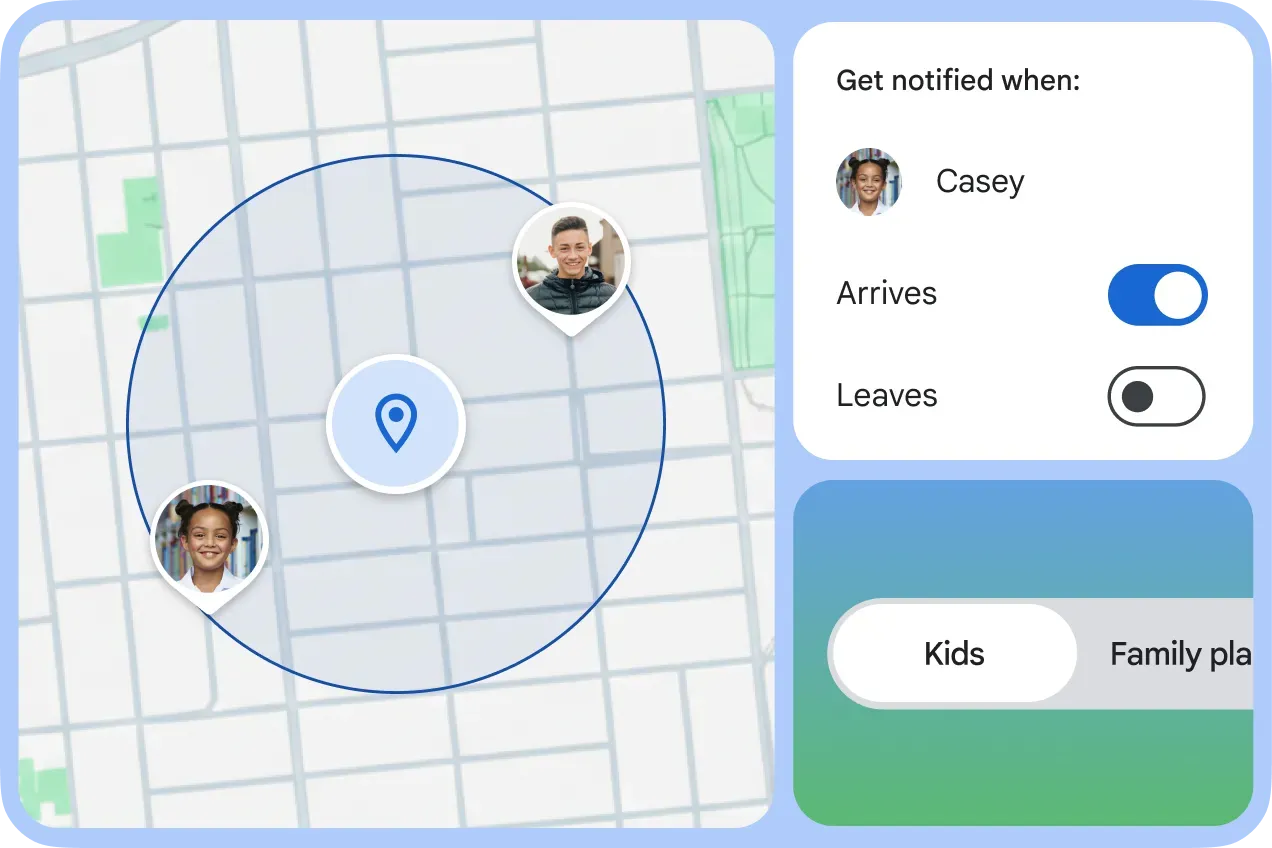
Locate children on one map and get critical notifications
Reduce distractions with school time
When it’s time to learn, reduce distractions. Google Family Link allows parents to create custom schedules, silence notifications, and manage app usage during school time — helping their children stay present and productive while remaining reachable.
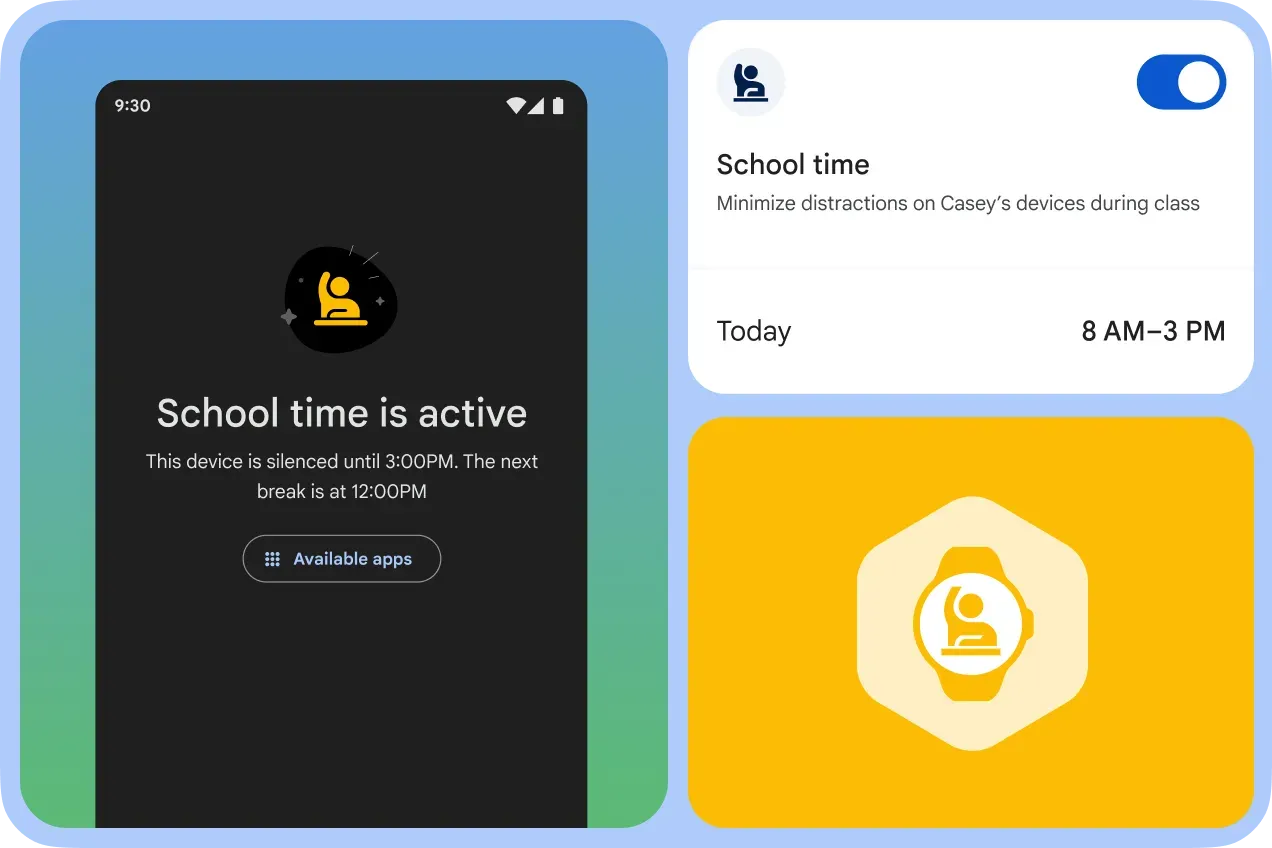
Manage device usage during school hours
GEMINI
Cognitive guardrails for learning
We believe AI should guide learning, not give answers. Gemini guided learning is engineered to support curiosity and enhance the magic of learning by breaking down problems step-by-step and adapting explanations to individual needs.
Go beyond the answer with guided learning
Guided Learning in Gemini supports the process of learning by explaining concepts in different ways. Through multimodal responses including images, diagrams, and interactive quizzes, AI acts as a booster for critical thinking, not a replacement for it.
A helpful tool, not a replacement for human connection
Kids deserve online experiences where they can learn, grow, and discover safely. That’s why we’ve engineered mandatory persona protections into Gemini Apps for younger users — because AI should be a helpful tool, not a replacement for human connection.
High-quality, privacy-protective, and age-appropriate AI
Persona protections in our Gemini Apps prevent the generation of relational statements, role-playing content, and explicit claims of sentience. These safeguards help provide a high-quality, privacy-protective, and age-appropriate AI experience for younger users, protecting kids in the digital world and not from it
SafeSearch
A foundational commitment to safety
Our core AI architecture is engineered with mandatory content protections that enforce filtering for inappropriate material and apply guardrails to proactively identify and block harmful output for minors.
Filtered explicit content by default
For users under 18, SafeSearch filters explicit content and blurs graphic imagery by default, giving minors an age-appropriate digital experience without requiring parents to toggle settings.