Get started with
Gemini Notebook
-
What is it?
Your AI research and thinking partner, grounded in information that matters to you
What is it?Your AI research and thinking partner, grounded in information that matters to you
Upload your PDFs, documents, videos, slides and more, and Gemini Notebook will summarize them and make interesting connections between topics, all powered by the Gemini model’s ability to understand and connect different types of information. -
Did you know?
Gemini Notebook only uses the sources you choose to provide to generate content
Did you know?Gemini Notebook only uses the sources you choose to provide to generate content
Unlike traditional chatbots and AI assistants, Gemini Notebook only uses the sources you choose to provide to generate content. This helps deliver more accurate responses based on your actual material — helping to reduce the likelihood of AI errors and hallucinations. Gemini Notebook also provides clear in-line citations, showing you the exact quotes from your sources, for accuracy and transparency.
What are some of the coolest features?
Efficient information synthesis
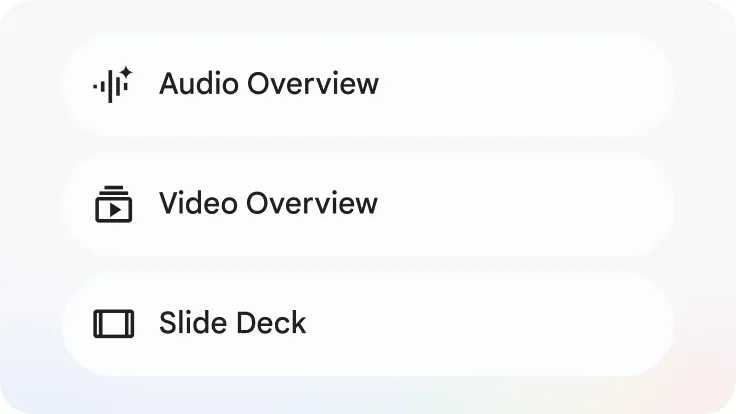
Content transformation

Learning, not just answers
Efficient information synthesis
Gemini Notebook speeds up the process of understanding, synthesizing, and extracting insights from large volumes of text and sources.
Content transformation
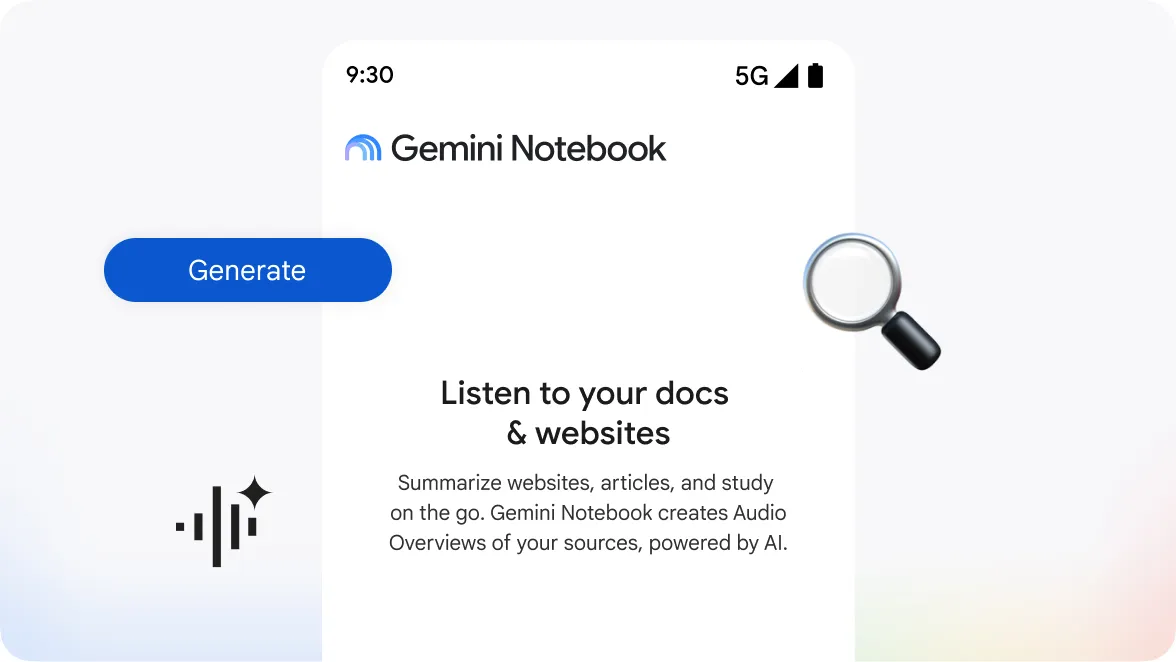
Gemini Notebook enables you to transform your content into different artifacts: Audio and Video Overviews, slide decks, mind maps, various types of reports, flashcards, infographics and more. And to get you started quicker, Gemini Notebook can suggest appropriate artifacts and formats based on the documents you provide.
Learning, not just answers
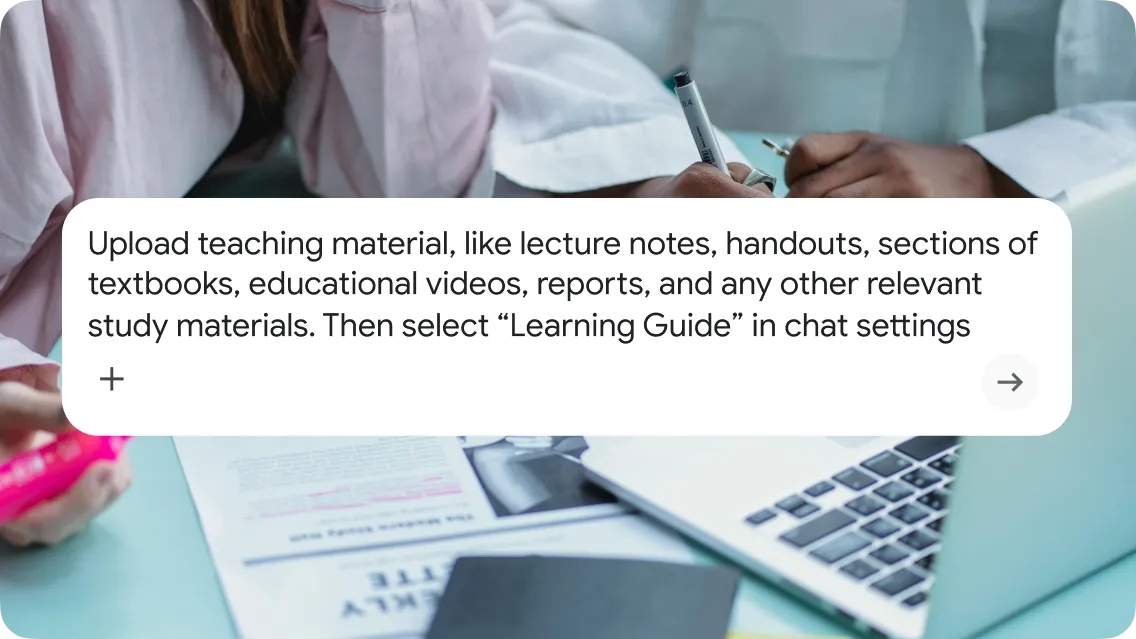
Gemini Notebook can be configured to encourage participation with probing, open-ended questions when learning a new topic. Instead of just giving answers, it helps you break down problems step-by-step and adapts explanations to your needs, building a deeper understanding of the subject. Learning guide chat is like having a personal tutor for your sources directly within Gemini Notebook.
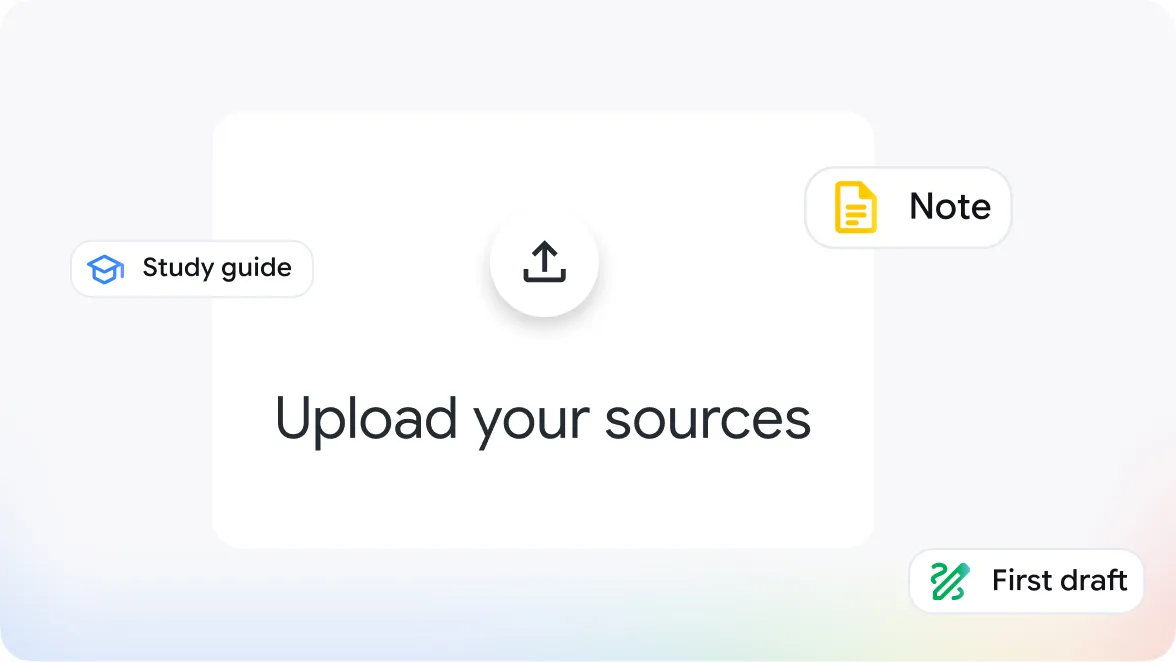
Click on “Create new notebook.” Upload files from your device or Google Drive, or add a link to any website or YouTube video. You can add more or remove existing sources later.
6 use cases to get you started
-
Easily digest large reports
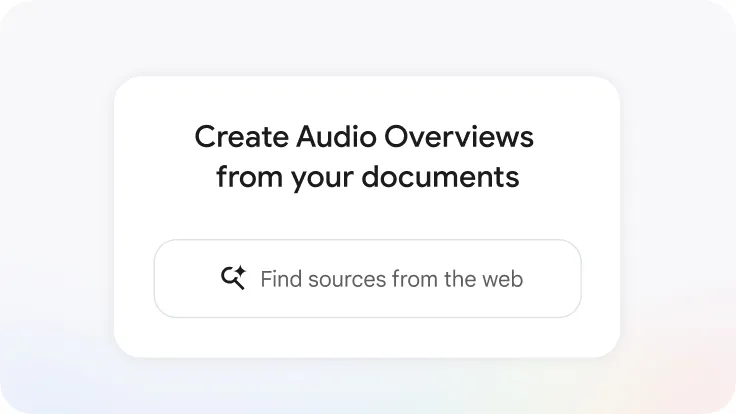
Easily digest large reportsListen with Audio Overviews: In the Studio panel, click on “Audio Overview” to generate a lively podcast-like conversation that delivers key takeaways and connects topics from your sources.
Visualize the data with Mind Maps: Visually summarize your uploaded sources. See main topics and related ideas as a branching diagram to connect the dots, identify links and associations that may not be obvious, explore and learn more easily, or simply to organize your thoughts. Use the chat function to go deeper. -
Create your own car maintenance support system
Create your own car maintenance support systemChat with your sources: Use the chat function to find information and learn more about the topics from your uploaded sources, such as: What is the B option on the gear shift? When did I last repair my window wipers? When does my warranty expire? What else should I ask the mechanic when I go for my next oil change appointment?
Build Data Tables: Transform your sources into structured data. For example, build a comparison table analyzing pricing or car mileage, or track expenses and maintenance dates. -
Quickly build presentations and infographics
build presentations and infographicsCreate Slide Decks: Instantly create slides based on your sources in the Studio panel, or brainstorm how to structure your presentation.
Create Infographics: Transform your content into infographics - choose your desired language, orientation, and visual style or let Gemini Notebook auto-select based on your content. Define the level of detail you want, and then simply describe what you want to see in the infographic. -
Help onboard your new team member
Onboard a new team memberJoin in the Audio Overview: Help new team members onboard more seamlessly with Audio Overview. They can click the waving hand icon next to any Audio Overview to go into interactive mode, and click Join when they have a question or a comment. The AI hosts will pause the conversation and respond to comments and questions before resuming the discussion.
Generate reports: Generate a report from your materials - for example a briefing document with all the key information, a training manual, a conceptual overview, or an introductory guide to a topic or team. -
Organize constituent feedback and communications
organize feedbackChat: Use the chat function to organize messages, summarize common, categorize concerns, transcribe notes, and identify and flag urgent public comments.
Create briefings, FAQs and talking points: Prepare for the next town meeting, or be better able to respond to constituents, by creating briefing reports, blog post outlines, FAQs, or any other draft statements. -
Get help with learning any subject
learn any subjectCustomize your chat for Learning Guide: Ask the question about a topic you want to grasp, and Gemini Notebook will help you learn with detailed explanations tailored to your level of understanding, ask questions to check you’ve absorbed concepts, and continue to provide insights that work for you. Keep chatting to go deeper and grasp the topic fully.
Practice with Flash cards: Generate flash cards and set your desired difficulty level to practice your knowledge.
Test your knowledge with Quizzes: Generate quizzes based on your sources, and set your desired difficulty level to test your knowledge.